
Google Voice for business: what it costs, what it can't do, and how to stop missing calls
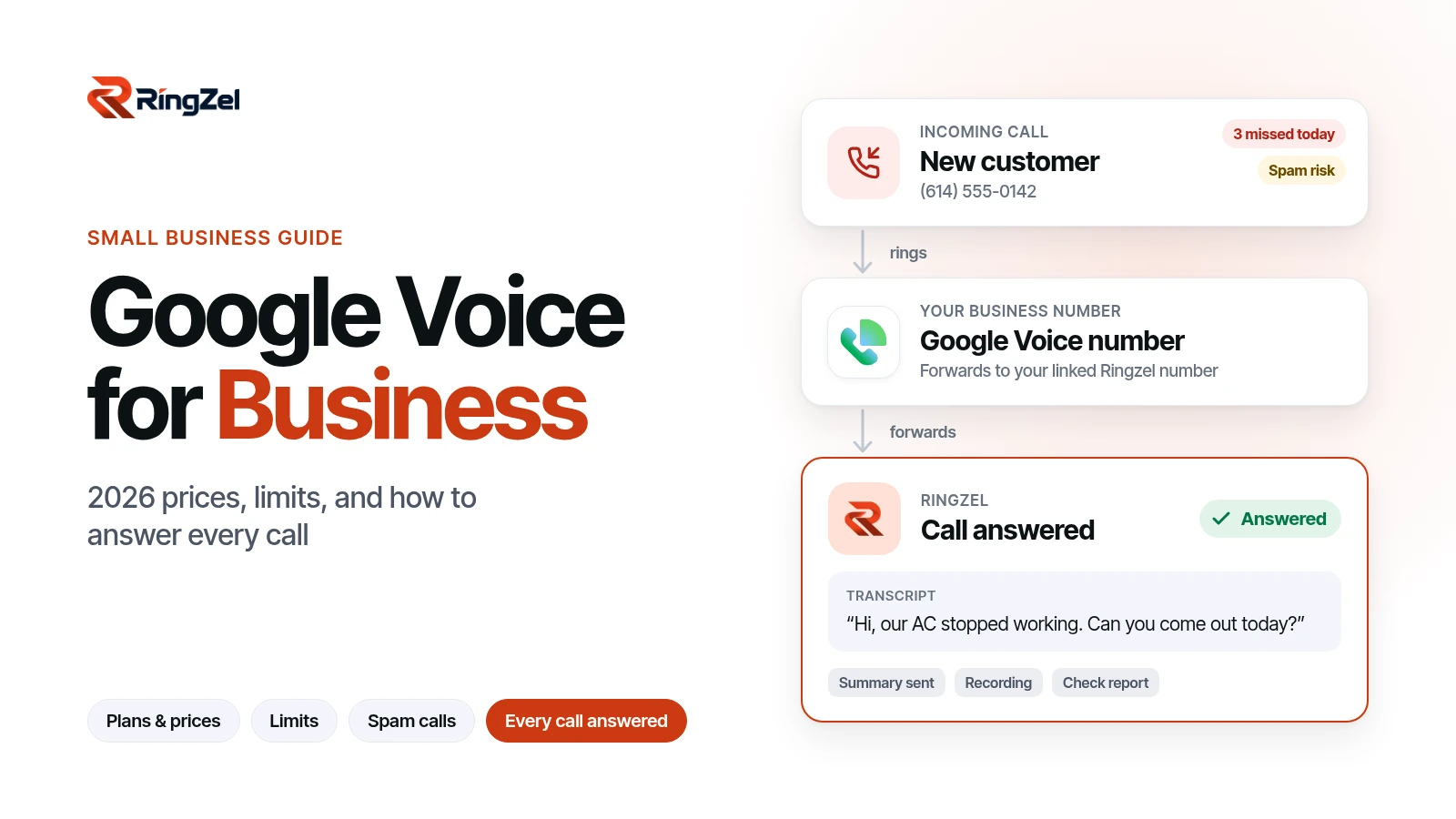
Published November 19, 2026 · 17-minute read
Google Voice gives your business a second phone number that rings on your cell, laptop or desk phone. The free version is for personal use. For a business line, Google sells Voice Starter, Standard and Premier, from $10 to $30 a month per user, and some of the features small businesses expect, like a phone menu or ring groups, only come with the higher plans.
This guide covers what each plan costs, what Google Voice can't do for a business, why so many owners say their Google Voice number is flooded with spam calls, how to set it up properly, how to connect it to Ringzel, and how it compares with Grasshopper, Quo, RingCentral and Ringzel.
Key takeaways
- Free Google Voice is meant for personal use. Google's business plans are Starter ($10), Standard ($20) and Premier ($30) per user a month.
- Starter and Standard can be bought on their own with a personal Gmail account in the US. As Workspace add-ons, all three need a Google Workspace plan, billed separately.
- A phone menu (auto attendant) needs Standard or Premier. Ring groups and call queues need the Standard add-on or Premier.
- Ringzel works with Google Voice through linked numbers: add your Ringzel number as a linked number, verify it with a phone call, and turn on forwarding. You keep your Google Voice number.
- Google Voice rings every linked number at once, with no "answer only if I miss it" delay. So with Ringzel linked, Ringzel answers straight away. Choose whether it takes every call, or move your number to Ringzel.
- On its own, Google Voice routes calls; when nobody picks up, the caller gets voicemail. An AI receptionist like Ringzel answers instead, on the number customers already know.
In this guide
- What is Google Voice for business?
- How much does Google Voice cost for a business?
- What are Google Voice's limits for a business?
- Why does my Google Voice business number get so many spam calls?
- How do you set up Google Voice for a business?
- How do you connect Google Voice to Ringzel?
- How does Google Voice compare with Grasshopper, Quo, RingCentral and Ringzel?
- What does this look like for a small business? An illustrative example
- Questions about Google Voice for business
- Keep your Google Voice number and answer every call
Prices checked on each provider's own website on November 19, 2026. Prices change, so check the provider's page before you buy.
What is Google Voice for business?
Short answer: Google Voice for business is Google's paid phone service for companies. It gives you or each person on your team a phone number that works in an app on your phone and computer, separate from your personal cell number.
Free Google Voice and Google Voice for business are different products
Google describes the free version as a service "for personal, consumer use" that needs an existing phone number to forward calls to (Google Voice Help). You pick a number by city or area code, and calls to it ring the phones you link.
The business version is sold as Voice Starter, Standard and Premier. Google's Voice product page says the paid plans require a Google Workspace plan, billed separately. The exception is the standalone Starter and Standard plans, which Google sells to people with a personal Gmail account in the US, with no Workspace needed (Google Voice Help).
Who Google Voice suits
Google Voice works well if you want a separate business number on the phone you already carry, you're happy to answer most calls yourself, and you already use Gmail or Google Workspace. It suits solo owners and small teams more than businesses that need someone to pick up every call.
How much does Google Voice cost for a business?
Short answer: Google Voice for business costs $10, $20 or $30 per user a month, depending on the plan. As a Workspace add-on you also pay for a Google Workspace plan. The free version costs nothing but is for personal use.
These are the prices on Google's own Voice subscription comparison, checked on November 19, 2026. All prices are in US dollars.
| Plan | Price | How you buy it | What it adds |
|---|---|---|---|
| Google Voice (free) | $0 | Personal Google Account | A number that forwards to your linked phones, voicemail, texting. For personal use. |
| Voice Starter, standalone | $10 a month | One user, personal Gmail, US only | Business number, forwarding to linked numbers. |
| Voice Standard, standalone | $20 a month | Personal Gmail, US only | Adds auto attendants (phone menus). |
| Voice Starter, Workspace add-on | $10 per user a month | Up to 10 users, plus a Workspace plan | Business numbers for a small team. |
| Voice Standard, Workspace add-on | $20 per user a month | Unlimited users, plus a Workspace plan | Auto attendants, ring groups, call queues, call delegation. |
| Voice Premier, Workspace add-on | $30 per user a month | Unlimited users, plus a Workspace plan | Everything in Standard, plus automatic call recording and numbers outside your home country. |
Don't forget the Workspace plan
If you buy Voice as a Workspace add-on, the Voice price sits on top of your Workspace subscription. Google shows Workspace prices for your region on its Workspace pricing page, and new customers are often offered an introductory discount, so check the final per-user total at checkout.
What the free version really costs
The free version has no monthly fee, and Google says calls to the US and Canada are almost all free. The cost is in what it doesn't do: no phone menu, no shared line for a team, and it's meant for personal use, not a business line.
What are Google Voice's limits for a business?
Short answer: Google Voice routes calls; it doesn't answer them for you. The main limits are that it only forwards to numbers you've linked and verified, the cheaper plans have no phone menu or ring groups, and when nobody picks up, the caller gets voicemail.
It forwards only to numbers you link and verify
You can link up to six numbers to Google Voice. Each one has to be verified: a code by text for a cell, or a verification call for a landline. You can't link a number that's already linked to another Google Voice number (linked numbers help).
The same help page says forwarding calls from a Google Voice number to an automated system is unsupported, and suggests a Workspace auto attendant if you need one. In plain terms, Google doesn't officially back that use, and linked numbers don't behave like a carrier's "forward if no answer" setting: every linked number rings at the same time. Our Google Voice and Ringzel setup explains how Ringzel uses a linked number, and the option to move your number if you'd rather not rely on Google Voice forwarding.
No phone menu or ring group on the cheaper plans
On Google's comparison, auto attendants come with Standard and Premier, including the standalone Standard plan. Ring groups, call queues and call delegation need the Standard Workspace add-on or Premier. Automatic call recording is Premier only.
No toll-free number
Google's setup help says you can't choose a 1-800 number. You choose a local number by city or area code.
Some carriers block Google Voice calls
Google warns that some carriers may block calls made through Google Voice (Google Voice Help). If customers say your callbacks never arrive, that's one place to look.
Nobody answers when you can't
This is the big one for a busy owner. If you're on a roof, under a sink or with a customer, Google Voice rings your phones and then goes to voicemail. Plenty of callers hang up rather than leave a message. We looked at whether anyone still leaves voicemail in a separate guide, and at the other fixes in how to stop missing business calls.
Why does my Google Voice business number get so many spam calls?
Short answer: Business numbers get published on Google, websites and trucks, so they end up on robocall lists. Owners on X have been reporting a wave of calls claiming to be about their Google listing. Google says it won't ask for payment on these calls, and to hang up without pressing any buttons.
In late October 2026, a small business owner in Atlanta posted on X that their Google Voice number was "suddenly being flooded with spam calls from the 'business listing verification center'. But I can't just let all my business calls go to voicemail." Other owners replied with the same problem. It's a common complaint: once your number is on your Google Business Profile, it's public.
Google's Business Profile help on fraudulent calls says that if someone calls pretending to be from Google, you should hang up and not press any buttons, even if the recording tells you to. In the US you can register your number at donotcall.gov and report scam calls to the FTC at ReportFraud.ftc.gov.
What Google Voice gives you to fight spam
- Call screening. Callers who aren't in your contacts are asked to say their name, and you choose whether to take the call or send it to voicemail (call screening help).
- Block or mark as spam. You can block a number or mark it as spam from the app (blocking help).
- Do not disturb. Sends every call to voicemail, and can follow your Google Calendar working hours (Do not disturb help).
- Custom forwarding rules. Decide which contacts ring which phones, set up on a computer (custom forwarding help).
The catch: spam filters stop real customers too
Every one of these tools works by not answering. A new customer calling about a burst pipe is an unknown number too. Screening asks them to say their name to a recording, and a spam filter or Do not disturb can send them straight to voicemail. That's fine for a personal line. On a business line, it's how you lose work you never knew about.
A better fix is to have every call answered, so real customers get help and junk calls get nowhere. An AI receptionist can do that: it picks up, asks what the caller needs, and sends you the details, so you're not the one answering robocalls. Texting people back after a missed call helps a little, but as our missed call text back guide explains, the job usually goes to whoever picks up.
How do you set up Google Voice for a business?
Short answer: Pick the plan that fits how you'll buy it, choose a local number, link the phones it should ring, then change a few settings before you print the number anywhere.
Step by step
- 1Decide how you'll buy it. One person with a personal Gmail account can use the standalone Starter or Standard plan. A team on Google Workspace adds Voice from the Admin console (Google's plan comparison).
- 2Choose your number. Search by city or area code and pick a local number (setup help).
- 3Link the phones it should ring. Add your cell or office line and verify it with the code Google sends, up to six numbers (linked numbers help).
- 4Record a voicemail greeting in your business name. Our professional voicemail greeting guide has scripts you can copy.
- 5Set your working hours with Do not disturb, so calls at night don't wake you. Those calls then go to voicemail, so read our after-hours answering service guide if evening calls matter to you.
- 6On Standard or Premier, set up an auto attendant so callers can choose who they need.
- 7Put the number on your Google Business Profile, website, invoices and truck.
Settings to check on day one
- Turn call screening off for the business number if you don't want new customers asked to say their name.
- Check what happens to a call you don't answer. By default, it goes to voicemail.
- Turn on email notifications for voicemail, so you see messages and can call back fast.
If you leave Google Voice later
You can take the number with you. Google explains how to port your Google Voice number to another carrier or provider (porting help).
How do you connect Google Voice to Ringzel?
Short answer: You keep your Google Voice number and add your Ringzel number as a linked number. Google Voice forwards calls to Ringzel, Ringzel's agent answers, and each call shows up in your Ringzel dashboard and app as normal.
Step by step
- 1In Google Voice, open Settings, then Linked numbers, then New linked number.
- 2Enter your Ringzel number.
- 3Verify it with a phone call. Google sends a code to prove you own the number (linked numbers help). Choose the option to verify by phone, not by text. Ringzel's agent answers Google's call, Google reads the code out, and the code appears in that call's transcript in your Ringzel dashboard. Copy it into Google Voice and click Verify.
- 4In Settings, then Calls, turn on call forwarding to your Ringzel number.
- 5Make sure Ringzel sees the real caller's number. In Settings, then Calls, turn off the setting that shows your Google Voice number as caller ID on forwarded calls. Google calls it "Show my Google Voice number as caller ID when forwarding calls" (caller ID help); older accounts may label it "Display my Google Voice number". Ringzel needs the caller's number to read it back and take a message.
- 6Call your Google Voice number from another phone and check that Ringzel answers.
Use the phone call option in step 3. Text-message codes to a Ringzel number aren't confirmed to work yet, so don't rely on them.
The catch: Google Voice has no "answer only if I miss it" delay
Google Voice rings every linked number at the same time. There's no setting to ring your cell first and pass the call on only if you don't answer. So if your own phone and Ringzel are both linked, they ring together and Ringzel picks up straight away. Ordinary cell carrier forwarding is different: a no-answer forward can let your phone ring for about 20 seconds before the call moves on, as our guide to how to forward business calls explains. You have three choices:
| Option | What happens |
|---|---|
| Ringzel answers every call | Unlink your own cell in Google Voice so only Ringzel rings. This is the simplest setup. |
| You answer first, Ringzel takes the rest | Not possible with Google Voice forwarding alone. |
| Move your number to Ringzel | Port the number out of Google Voice. On a personal account, Google charges $3 to unlock the number, or nothing if you originally ported it in; Workspace accounts port through their admin (porting help). After that, Ringzel holds the number and normal forwarding rules apply. |
If you're unsure about letting an AI take every call, our guide on whether customers hang up on an AI receptionist covers what callers actually do. Every call Ringzel answers comes with a recording, a transcript, a summary and a check report on how the call went.
14-day free trial. No card to start. Keep your number.
How does Google Voice compare with Grasshopper, Quo, RingCentral and Ringzel?
Short answer: Google Voice is one of the cheapest ways to get a business number. Grasshopper, Quo and RingCentral are other phone systems with numbers and apps. Ringzel is different: it's an AI receptionist that answers the calls you miss on the number you already have, including a Google Voice number.
| Service | Price (checked November 19, 2026) | What it is | When you can't pick up |
|---|---|---|---|
| Google Voice (free) | $0 | A personal number that rings your linked phones | Voicemail |
| Google Voice Starter | $10 a month standalone, or $10 per user a month as a Workspace add-on (up to 10 users) | A business number in an app | Voicemail |
| Google Voice Standard | $20 per user a month (Workspace plan extra on the add-on) | Adds a phone menu; ring groups on the add-on | Phone menu, then voicemail |
| Google Voice Premier | $30 per user a month, plus a Workspace plan | Adds automatic recording and international numbers | Phone menu, then voicemail |
| Grasshopper | True Solo $14, Solo Plus $25, Small Business $55 a month, billed annually ($168, $300 or $660 a year) | A virtual business number with extensions | Voicemail |
| Quo | Starter $15, Business $23, Scale $35 per user a month billed annually; $19, $33 or $47 billed monthly | A business phone app for teams | Voicemail, or its Sona AI agent, which includes 1,000 credits (about 10 calls); more credits from $25 a month |
| RingCentral RingEX | Core $20, Advanced $25, Ultra $35 per user a month billed annually; $30, $35 or $45 billed monthly | A full cloud phone system | Voicemail; an AI Receptionist is a paid add-on |
| Ringzel | $99, $179 or $299 a month, unlimited calls | An AI receptionist on your existing number | Answered 24/7 in your business name, with a recording, transcript, summary and check report |
Sources: Google Workspace, Grasshopper, Quo, RingCentral and Ringzel pricing. Taxes and add-ons are extra where the provider says so.
Which one should you choose?
- Choose Google Voice if you want the cheapest separate number and you already live in Gmail or Google Workspace.
- Choose Grasshopper if you want a flat price for the whole business rather than per user.
- Choose Quo or RingCentral if you need a fuller team phone system with call transfers, reporting and integrations.
- Add Ringzel to any of them if the real problem is calls going unanswered. You don't have to replace your phone system. New to the idea? Start with what an AI receptionist is and does.
For a wider look at numbers from these providers, see our guide to a virtual phone number for business.
What does this look like for a small business? An illustrative example
Illustrative example. This is a made-up scenario to show how the setup works, not a real Ringzel customer.
Short answer: Picture a two-person HVAC business near Columbus, Ohio, running on a free Google Voice number. It shows where the free setup breaks down and what changes when every call gets answered.
The setup
Mike runs the business with one technician. He set up a free Google Voice number years ago so customers wouldn't have his personal cell, and it's on his Google Business Profile, website and van. Calls ring his cell through the Google Voice app.
The problem
Since the number went on his listing, he gets several robocalls a day about his "Google listing". He turned on call screening and Do not disturb after 6 p.m. to cut the noise. Now new customers get asked to say their name to a recording, and evening calls go straight to voicemail. On busy days in July, he can't tell from a missed call whether it was spam or a homeowner with a broken AC unit.
What changes
Mike keeps his Google Voice number, so nothing changes on the van or his listing. He links his Ringzel number, turns off call screening, and unlinks his own cell, because Google Voice would ring both at once. Now Ringzel answers every call in his business name, asks what's wrong and where the customer is, and sends him a summary. Robocalls get a polite answer and go nowhere. Real jobs arrive as a summary he can act on from the driveway, and he calls back the ones he wants.
For more on how this works for heating and cooling companies, see our HVAC answering service page, including how no-heat and no-AC calls are handled.
How much missed calls cost depends on your trade and how many you miss. Our missed call calculator works it out from your own numbers.
Questions about Google Voice for business
Is Google Voice free for business use?
Google says the free version of Google Voice is for personal, consumer use. For a business, Google sells Voice Starter, Standard and Premier, at $10, $20 and $30 per user a month (prices checked November 19, 2026).
Can I use Google Voice for my business without Google Workspace?
Yes, in the US. Google sells standalone Voice Starter ($10 a month) and Standard ($20 a month) plans to people with a personal Gmail account. Premier, and the Starter and Standard plans for teams, need a Google Workspace plan.
Can I get a toll-free number with Google Voice?
Not when you choose your number. Google's setup help says you can't choose a 1-800 number; you pick a local number by city or area code.
How many phones can Google Voice ring?
You can link up to six numbers to your Google Voice account. Each one must be verified, by a text code for a cell or a verification call for a landline.
Can Google Voice answer calls for me?
Not the way a receptionist does. On Standard and Premier, an auto attendant can play a menu and route callers. If nobody picks up, the caller goes to voicemail. To have missed calls answered and handled, you need an answering service or an AI receptionist.
Does Ringzel work with Google Voice?
Yes. You keep your Google Voice number and add your Ringzel number as a linked number in Google Voice, verify it with a phone call, and turn on forwarding to it. Ringzel's agent answers in your business name, 24/7, and each call appears in your Ringzel dashboard and app.
Can Ringzel answer only when I miss a Google Voice call?
Not with Google Voice forwarding alone. Google Voice rings all linked numbers at once and has no "forward if no answer" delay, so Ringzel picks up straight away. You can let Ringzel take every call by unlinking your own cell, or port your number out of Google Voice to Ringzel, after which normal forwarding rules apply.
How do I get the Google Voice verification code if Ringzel answers the number?
Choose the option to verify by phone call. Ringzel answers Google's call, Google reads the code out, and the code appears in that call's transcript in your Ringzel dashboard. Copy it into Google Voice. Don't rely on the text-message option for a Ringzel number.
Why are my Google Voice calls getting blocked?
Google says some carriers may block calls made through Google Voice. If customers say your calls don't come through, check with them which carrier they use and see Google's help page on blocked calls.
Can I keep my Google Voice number if I switch providers?
Yes. Google lets you port your Google Voice number to another carrier or provider, so customers can keep calling the same number.