


Skip to content

An AI answering service for locksmiths

Someone's locked out in the rain at 11pm. You're on another job across town, or asleep because you were up at five. Ringzel's AI answering service picks up the calls you forward to it, in your business name, and gets you the address and the details so you can decide whether to go.

No website or Google listing? Tell us about your business

Build it free in two minutes. Talk to it straight away.

See example calls
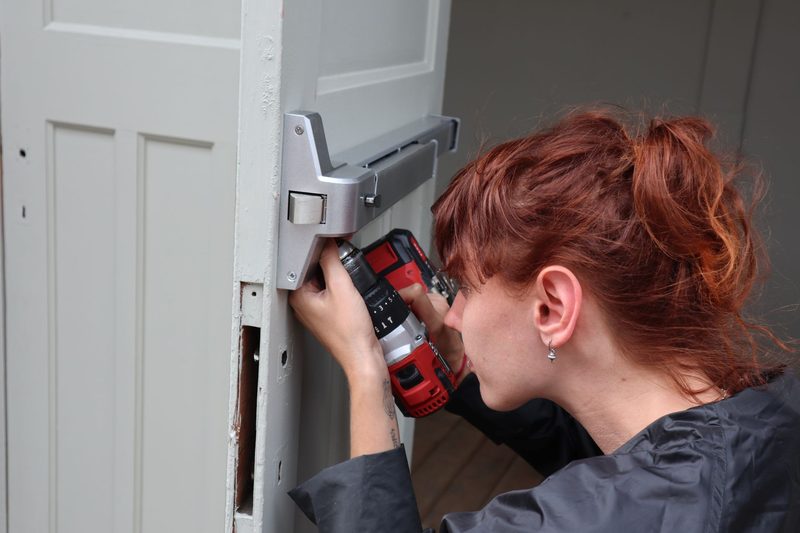
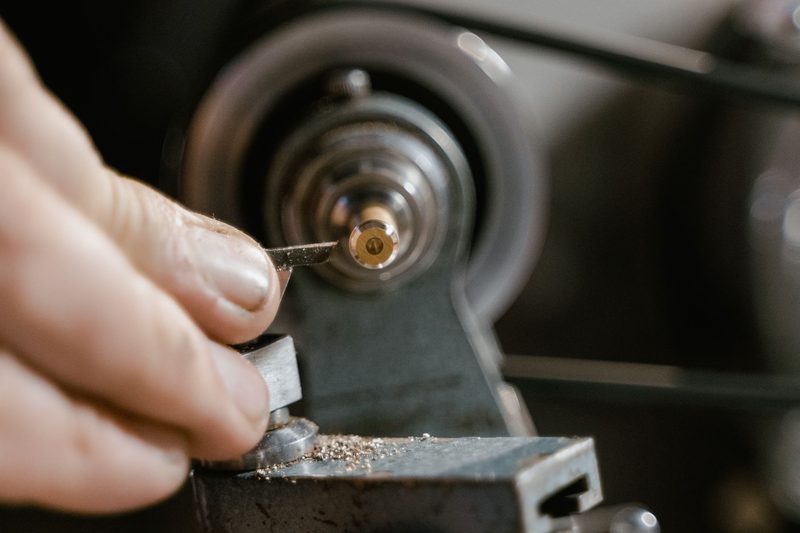
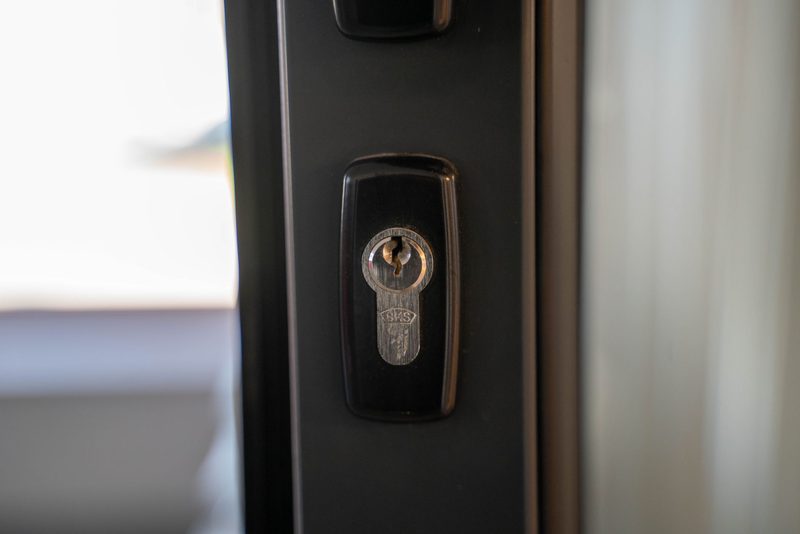
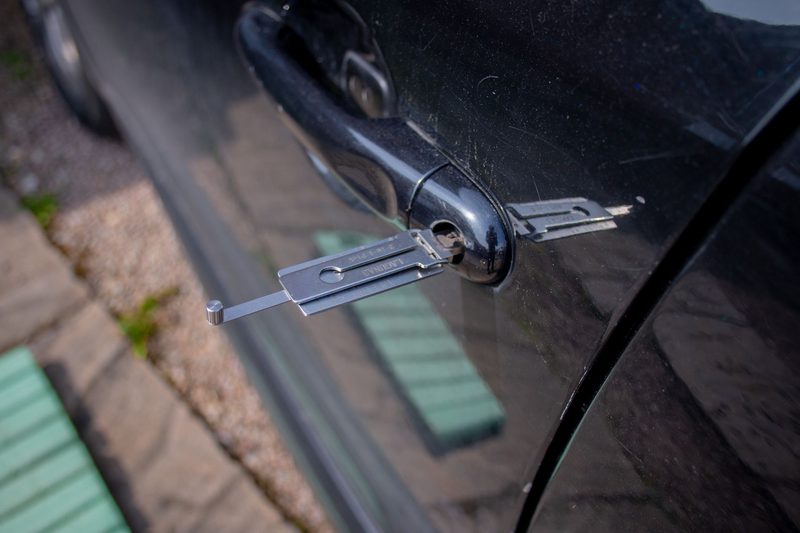
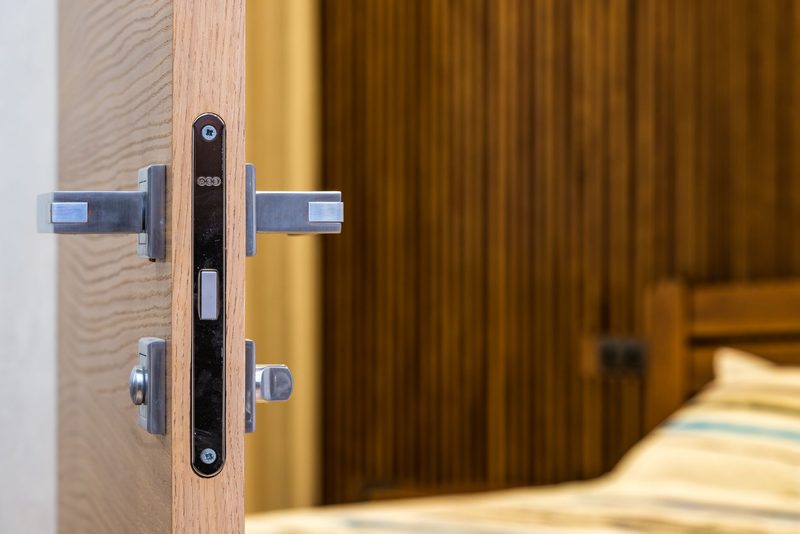
A locksmith drilling to fit a lock to a doorFingers guiding a key blank on a cutting machineA euro cylinder lock in a front doorA pick tool in a car door lockA locksmith at a key cutting bench in front of a wall of blanksA mortice lock and handles on the edge of an internal doorHands working a key in an old wooden front doorPadlocks and keys on a workbench beside a cutting machine
Why calls get missed

Lockout calls don't wait

A person stood outside their own front door doesn't leave a voicemail. They ring the next locksmith, and the one after that, until somebody answers.

That's hard when you're a one-person business. You're on your knees drilling a cylinder, driving between jobs or trying to get some sleep between late calls. Your receptionist takes the calls you can't, so the person on the doorstep gets an answer.

How a call runs

What your receptionist does on a locksmith call

It answers in your business name and tells the caller it's automated, then gets straight to what matters.

  1. Call comes in
  2. Answered in your name
  3. Your questions
  4. Your urgent rules
  5. Summary to you
  1. 01

    It gets the location first.

    Street, postcode and any landmark that helps you find it quickly, plus a number you can call them back on.

  2. 02

    It asks your questions.

    Whether it's a house, flat, car or business, whether anyone is inside, what kind of lock it is if they know, and anything else you want asked.

  3. 03

    It handles urgent and planned work the way you've set it up.

    You decide what counts as urgent: for example, you can set a caller who says they're locked out right now to be treated as urgent, while someone wanting their locks changed next week after moving house is taken as planned work.

  4. 04

    It follows your rules on prices and details.

    It only gives prices or call-out information you've supplied, and it doesn't share where you or your team are.

  5. 05

    It escalates the right calls.

    For the call types you mark as urgent, it gives your emergency instruction and texts you straight away. If someone describes an immediate danger to life, it tells them to hang up and call 999.

After every call

Everything you need before you set off

After each call, you get the recording, the transcript, a summary and a check report. That's on every plan.

The summary puts the address and the job at the top, so you can decide in seconds whether to take it and how long it'll take to get there. The recording is there if you want to hear how the caller sounded before you drive out late at night.

The check report reviews the call afterwards: were the location and callback number captured properly, and was an urgent lockout escalated the way you'd set.

  • Recording
  • Transcript
  • Summary
  • Check report
Your Ringzel accountIllustration
UrgentSummary

Locked out at 10.50pm. Keys and bag inside.

Location
Address and postcode first
Property
House or flat, noted
Callback
Number taken
Recording
Transcript · “...I've shut the door with my keys and bag inside.”
Check report
Job details captured
yes
Urgent call escalated
yes
Told caller it's automated
yes
Urgent calls

Example call scenario

Example call scenario. An illustration, not a recording of a real call.

It's 10.50pm on a Friday and raining. A caller has shut the front door behind her with her keys and bag inside, and she's waiting on the doorstep.

Your receptionist answers in your business name, says it's automated and takes the address and postcode first, then a callback number. It asks whether it's a house or a flat, whether anyone else is inside and what the door is like, as you've set it to. Because you've marked night-time lockouts as urgent, it follows your emergency instruction and texts you straight away.

You get the summary with the address, the situation and her number, plus the recording and the check report.

  • It gets the location first
  • You decide which calls are urgent
  • It only gives prices you've given it
  • It follows your emergency instruction
Text to you, 22:52Illustration
UrgentMatched your urgent-call rule
Night-time lockout. Caller waiting on the doorstep.
Caller
New customer
Location
Taken first, with postcode
Your instruction
Passed on as set
Recording
In your account
Ring backOpen summary
Example calls

More locksmith calls, handled

Example call scenarios. These are illustrations, not recordings of real calls.

PlannedExample call scenario

A lock change between tenancies

A landlord rings to arrange new locks before the next tenant moves in.

Check report, after the call
  • Job details captured:yes
  • Told caller it's automated:yes
  • Escalation needed:no
  • Caller left with a next step:yes

What happens: The address and timing are taken for you. On Professional and Premium, planned work can be booked into your calendar.

LockoutExample call scenario

Keys locked in a car

A driver rings because their keys are locked in the car.

Check report, after the call
  • Details captured:yes
  • Your rules followed:yes
  • Told caller it's automated:yes
  • Flagged:urgent

What happens: It takes the location first, then the details you ask for, and handles the call the way you've set it up.

Out of scopeExample call scenario

A question it can't answer

A caller asks for something you haven't given it an answer to.

Check report, after the call
  • Didn't guess:yes
  • Message complete:yes
  • Callback time taken:yes
  • Flagged to you:yes

What happens: It says so, takes a message with a good time to call back and flags it for you. It doesn't bluff.

Website chat

When customers find you online

Not every locksmith enquiry is an emergency. People planning ahead often start on your website, and your bespoke AI chat widget can talk to them while you're out.

A landlord browsing your site between tenancies asks about changing the locks on a flat and adding a window lock. The chat answers from the information you've given it, finds out the address and when the flat is empty, and captures the enquiry. Nobody needs to be sitting at a chat screen.

The transcript and a summary are saved in your Ringzel account when the chat finishes. You can call the landlord back or, where available, contact them on WhatsApp.

Chat with your business
Illustration
I'm a landlord. Could you change the locks on a flat and add a window lock?
I can take the details for the team. What's the address, and when is the flat empty?
It's empty from the 14th.
19:15 · Nobody from the business online
Saved to your Ringzel accountTranscript + summary

Landlord enquiry: lock change and a window lock on an empty flat. Free from the 14th.

Call backWhatsApp, where available
Professional and Premium

For locksmiths who book ahead or work as a team

On the Professional and Premium plans, your receptionist can also:

  • Book planned work.
    Lock changes, security upgrades and landlord jobs can be booked into your calendar, using the slots you choose.
  • Transfer calls.
    If you want to speak to a caller yourself, it can put them through.
  • Route calls.
    If you cover a wide area with more than one locksmith, it can send each caller to whoever covers their patch.

On Basic, it takes the details and you arrange the job yourself.

ThursdayProfessional and Premium
+ New booking in your calendar
  • 09:00Lock changeBooked
    Between tenancies
  • 11:30Security upgradeBooked
    Front door
  • 15:00Landlord jobBooked
    Two flats
Transfer
Put through to you
Team routing
Nearest locksmith in your team
Illustration
Try it free

Test it on your own business

Type in your business name and Ringzel builds a receptionist from your website and Google listing in about two minutes. Then talk to it in your browser: pretend you're locked out, ask about a lock change, ask what areas you cover.

No phone needed. No card.

Build my receptionist
Pricing

Pricing

Unlimited calls on every plan, so a busy weekend of lockouts doesn't cost you more. Basic is £99 a month. Professional is £179 a month and adds bookings, call transfers and team routing. Premium is £299 a month. Every plan includes the recording, transcript, summary and check report for each call, and a 14-day free trial with no card to start.

Basic

Answers and captures.

£99a month
Start free trial on Basic
  • Unlimited calls
  • AI phone answering in your business name
  • Recording, transcript and check report on every call
  • Bespoke AI website chat
  • Bookings into your calendar
  • Call transfers
  • Team routing
  • Integrations
  • Reputation management
ProfessionalMost popular

Answers, books and routes.

£179a month
Start free trial on Professional
  • Unlimited calls
  • AI phone answering in your business name
  • Recording, transcript and check report on every call
  • Bespoke AI website chat
  • Bookings into your calendar
  • Call transfers
  • Team routing
  • Integrations
  • Reputation management
Premium

Connects to the rest of your business.

£299a month
Start free trial on Premium
  • Unlimited calls
  • AI phone answering in your business name
  • Recording, transcript and check report on every call
  • Bespoke AI website chat
  • Bookings into your calendar
  • Call transfers
  • Team routing
  • Integrations
  • Reputation management

14-day free trial on every plan. No card to start. The trial begins when you create your account. Cancel before day 14 and you owe nothing.

Working out your rate card? Our guide to what to charge as a locksmith builds daytime and out-of-hours rates from your costs, with UK market prices to check against.

What customers say

Really happy with Ringzel. It was easy to get set up, and it's been working great for us at Art on Film. The whole experience has been refreshingly simple.

AO
Art on Film
Customer
Questions

Questions locksmiths ask

Can an AI receptionist handle emergency lockout calls?

Yes. It takes the address and callback number first, asks your questions, follows your emergency instructions and texts you straight away for the calls you mark as urgent.

What happens when an AI receptionist can't help?

Will it answer calls at night?

It answers the calls you forward to it, including after hours. You choose when to forward, such as when you're busy, not answering or closed for the night.

How to forward and divert calls in the UK

Will it tell callers my prices?

Only if you want it to. It gives the prices or call-out information you've set and nothing else.

Will it tell callers where I am?

No. It never shares your location or your team's.

Can it book lock changes and planned work?

Yes, on the Professional and Premium plans. It books into your calendar using the slots you choose. On Basic, it takes the details for you to arrange.

Does it pretend to be me?

No. It answers in your business name and tells callers it's automated.

How much does it cost?

From £99 a month with unlimited calls. Professional, with bookings, transfers and routing, is £179 a month. There's a 14-day free trial with no card to start.

Ringzel pricing

Answer the next lockout, even when you can't

Build your receptionist in about two minutes and hear how it handles a lockout call. When you're ready, start your 14-day free trial.

No website or Google listing? Tell us about your business

Build it free in two minutes. Talk to it straight away.