


Skip to content

An AI receptionist for roofers and roofing contractors

A storm comes through overnight and by eight in the morning your phone is full of slipped tiles, missing ridge and water coming through a bedroom ceiling. You can't take calls from a scaffold. Ringzel's AI receptionist answers them for you, in your business name, and hands you a list you can work through when you're back on the ground.

No website or Google listing? Tell us about your business

Build it free in two minutes. Talk to it straight away.

See example calls
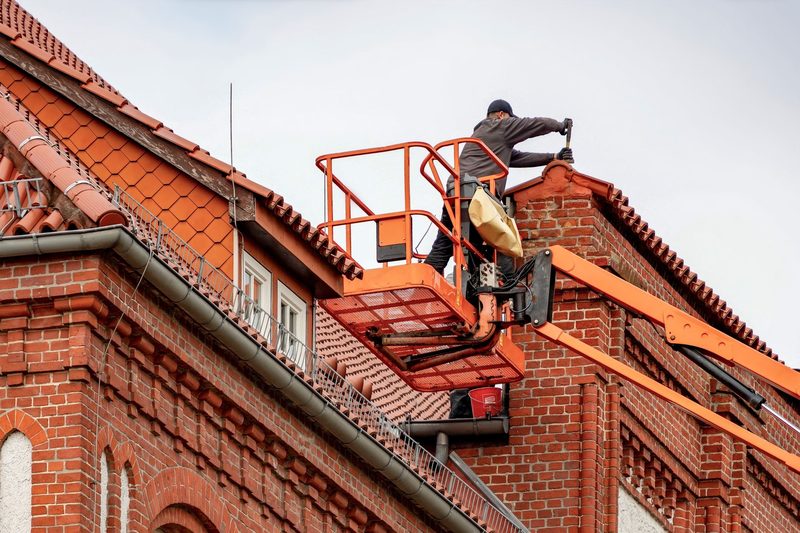
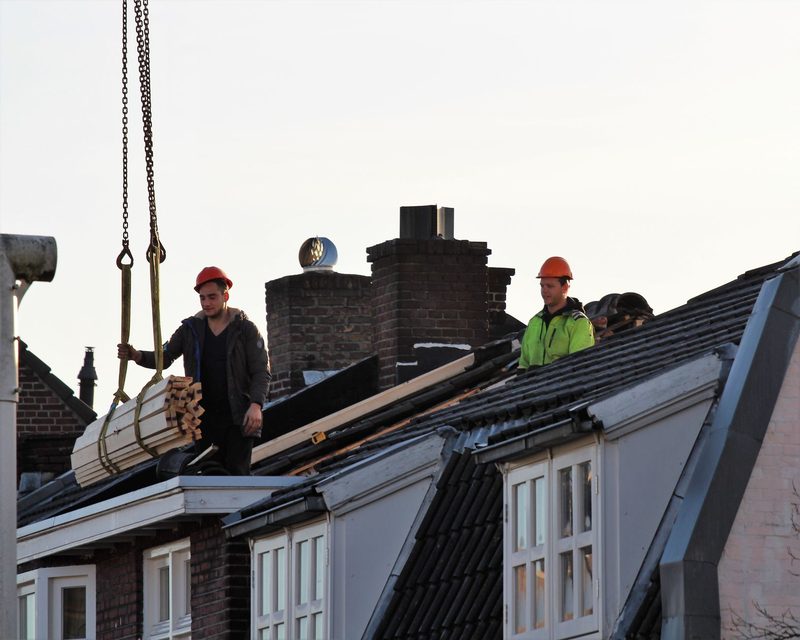
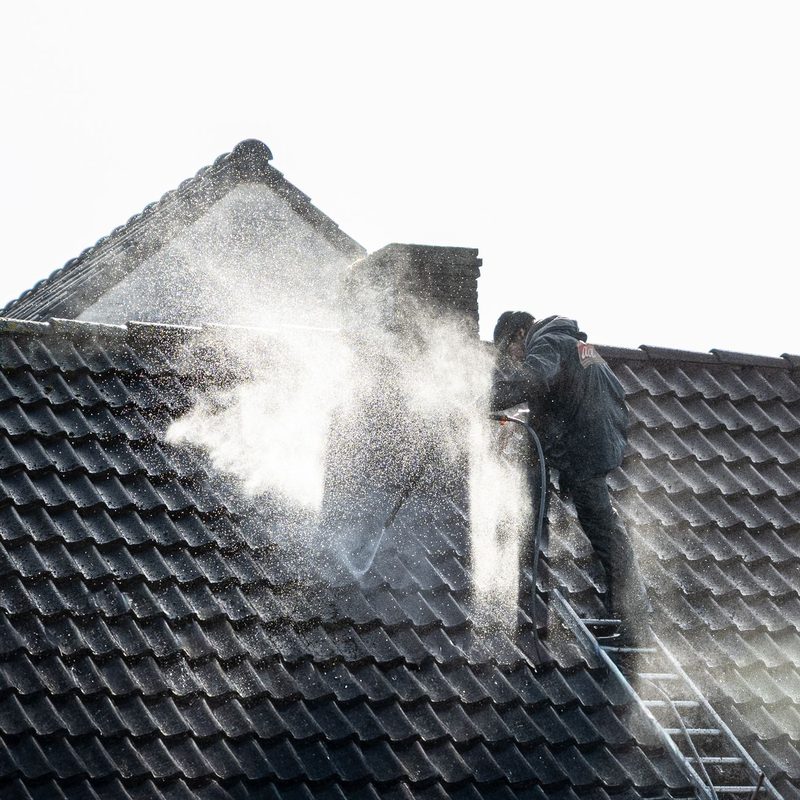
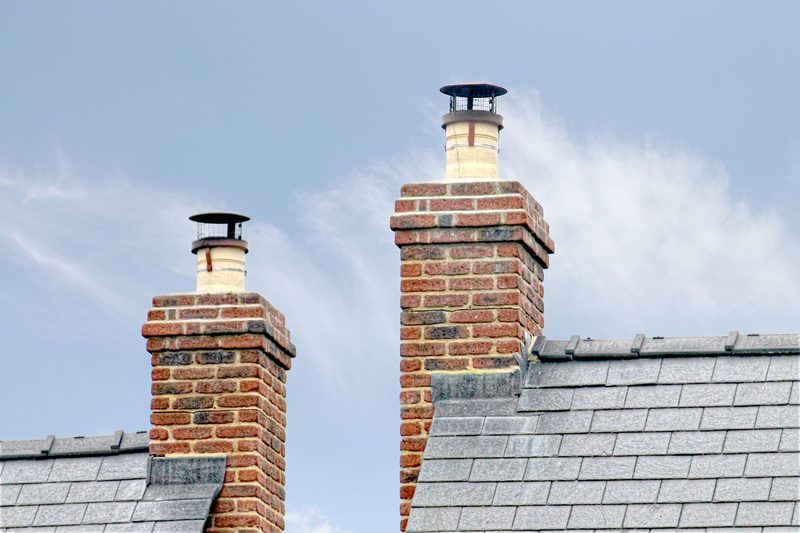
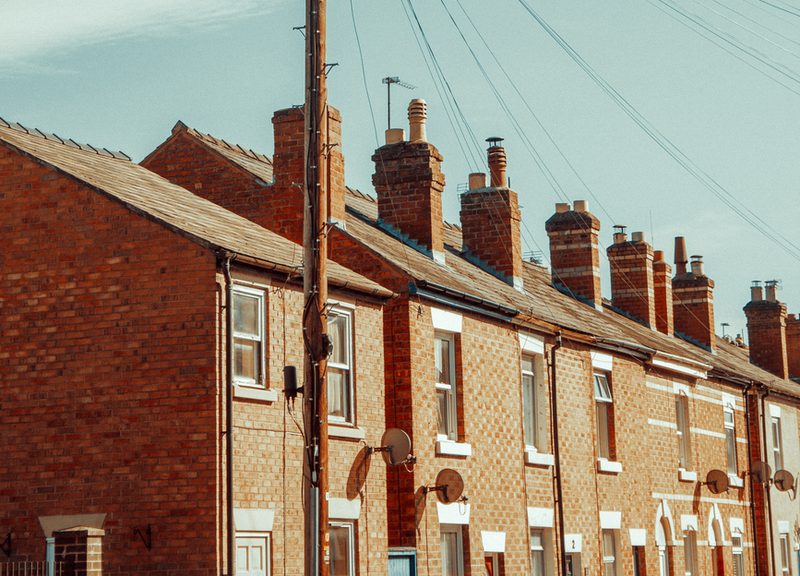
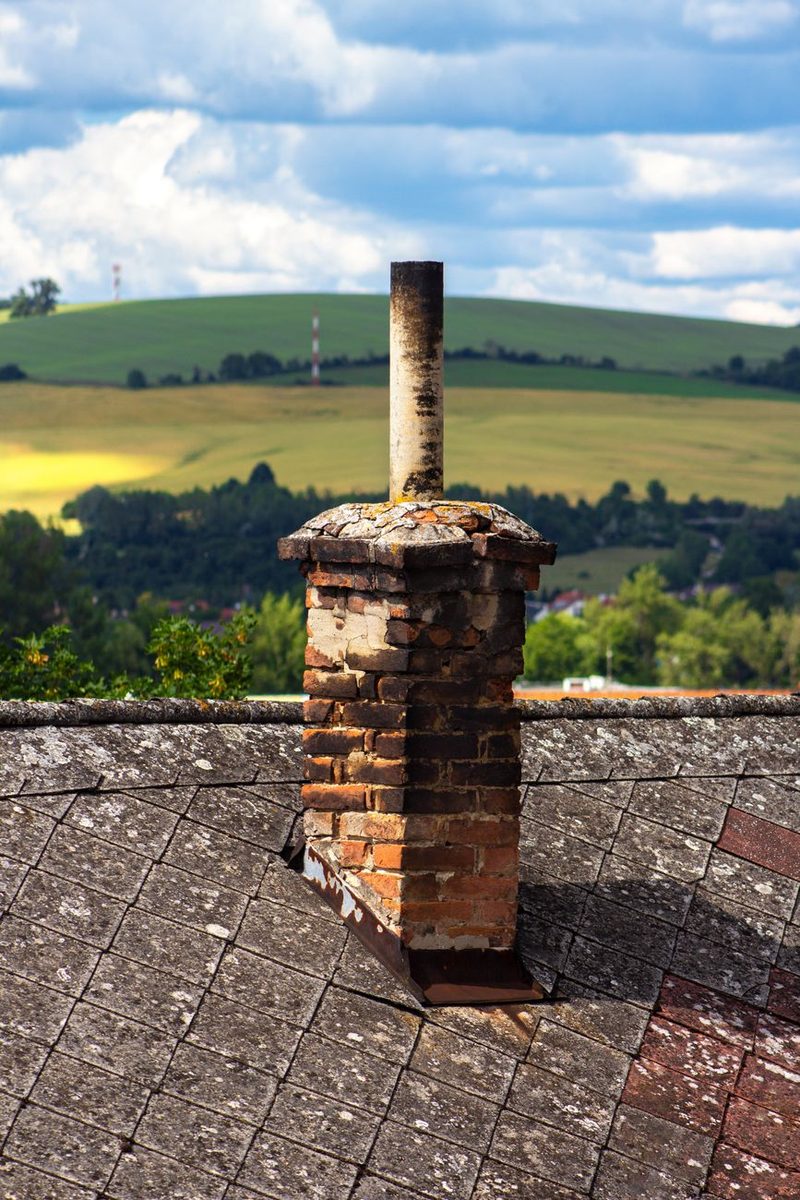
A roofer working from a cherry picker on a brick houseClay roof tiles stacked on new battensRoofers lifting materials onto a slate roofA roofer pressure washing a tiled roofBrick chimneys on a slate roofRows of concrete roof tilesThe roofline of a row of brick terraced housesA chimney stack above a roof in the countryside
Why calls get missed

The weather decides when roofers get busy

Roofing calls come in bursts. A windy night, a week of heavy rain or the first frost, and suddenly everyone wants someone to look at their roof today.

That's exactly when you're least able to answer. You're up a ladder, on a scaffold, or on a roof where you can't safely stop to take a call. Your receptionist picks up the calls you can't, so the busy days after a storm don't turn into a pile of voicemails you never get through.

Our guide to what missed calls cost a roofing business works through those storm weeks with real UK repair and re-roof prices.

How a call runs

What your receptionist does on a roofing call

It answers in your business name and tells the caller it's automated.

  1. Call comes in
  2. Answered in your name
  3. Your questions
  4. Your urgent rules
  5. Summary to you
  1. 01

    It asks your questions.

    You decide what it gathers, such as the address, the type of roof, what they can see from the ground, whether water is coming inside, and whether it's a house they own, a rental or a business.

  2. 02

    It follows your rules on what's urgent.

    If a caller says water is coming through the ceiling, you can configure that type of call to be treated as urgent, while a price for new fascias and guttering in spring is taken as routine. It doesn't assess the roof itself.

  3. 03

    It never judges a roof.

    It won't tell anyone whether their roof is safe, what's wrong with it or what they should do about it. If you have a standard instruction for callers, it passes it on exactly as you've set it.

  4. 04

    It escalates properly.

    For call types you mark as urgent, it gives your emergency instruction and texts you straight away. If someone says there's an immediate danger to life, such as a collapse or falling debris, it tells them to hang up and call 999.

  5. 05

    It says when it can't help, takes a message with a good time to call back and flags it for you.

After every call

A clear list of jobs after the storm

For each call, you get the recording, the transcript, a summary and a check report. That's included on every plan.

The summary gives you the address, the roof type, the damage the caller described and how urgent it is. After a storm, that turns a day of missed calls into a list you can sort by urgency and area.

The check report looks back over each call, checking the key details were captured and that urgent leaks were escalated in the way you'd want.

  • Recording
  • Transcript
  • Summary
  • Check report
Your Ringzel accountIllustration
UrgentSummary

Tiles on the drive. A damp patch spreading across the landing ceiling.

Roof
Type noted
Water inside
Landing ceiling
Getting worse
Answer noted
Recording
Transcript · “...there are tiles on the drive and a damp patch on the landing ceiling.”
Check report
Job details captured
yes
Urgent call escalated
yes
Told caller it's automated
yes
Urgent calls

Example call scenario

Example call scenario. An illustration, not a recording of a real call.

The morning after high winds, a homeowner rings at 7.30am. Several tiles are lying on the drive and there's a damp patch spreading across the landing ceiling.

Your receptionist answers in your business name, says it's automated and takes the address and callback number. It asks what kind of roof it is, where the water is showing inside and whether it's getting worse, as you've set it to. You've marked water coming inside as urgent, so it follows your emergency instruction and texts you straight away.

The summary, recording and check report are waiting for you, so the call back takes a minute rather than twenty.

  • You decide what counts as urgent
  • It never judges whether a roof is safe
  • It follows your emergency instruction
  • It says when it can't help
Text to you, 07:32Illustration
UrgentMatched your urgent-call rule
Storm damage. Water coming inside.
Caller
Homeowner
Address
Taken, with a callback number
Your instruction
Passed on as set
Recording
In your account
Ring backOpen summary
Example calls

More roofing calls, handled

Example call scenarios. These are illustrations, not recordings of real calls.

RoutineExample call scenario

A quote for a new roof

A homeowner wants a price for replacing their roof.

Check report, after the call
  • Job details captured:yes
  • Told caller it's automated:yes
  • Escalation needed:no
  • Caller left with a next step:yes

What happens: The address and details are taken for you. On Professional and Premium, a quote visit can be booked into your calendar.

Advice requestExample call scenario

Is my roof safe?

A caller asks whether their roof is safe after a storm.

Check report, after the call
  • No roofing judgement given:yes
  • Details captured:yes
  • Told caller it's automated:yes
  • Passed to you:yes

What happens: It won't judge a roof. It takes the details and passes them to you.

Out of scopeExample call scenario

A question it can't answer

A caller asks for something you haven't given it an answer to.

Check report, after the call
  • Didn't guess:yes
  • Message complete:yes
  • Callback time taken:yes
  • Flagged to you:yes

What happens: It says so, takes a message with a good time to call back and flags it for you. It doesn't bluff.

Website chat

Roofing enquiries through your website

Bigger roofing jobs are often researched online first. Your bespoke AI chat widget talks to those visitors for you, so nobody needs to sit behind a live chat window.

Someone on your website is thinking about replacing a tired flat roof on their garage extension. The chat answers their questions from the information about your business, asks about the size of the roof, its age and when they'd like the work done, and captures the enquiry.

When the conversation ends, the transcript and a summary are saved in your Ringzel account. You can ring them to arrange a quote or, where available, contact them on WhatsApp.

Chat with your business
Illustration
Could you quote for replacing a flat roof on our garage extension?
I can take the details for the team. Roughly how big is the roof, and when would you like the work done?
About four metres by three. Before winter.
20:25 · Nobody from the business online
Saved to your Ringzel accountTranscript + summary

Flat roof replacement on a garage extension, about 4m by 3m. Wants it done before winter.

Call backWhatsApp, where available
Professional and Premium

Surveys, quotes and a team on the roof

On the Professional and Premium plans, your receptionist can also:

  • Book roof surveys and quote visits into your calendar, using the slots you make available.
  • Transfer calls.
    If a caller needs to speak to you directly, it can put them through.
  • Route calls.
    If one person handles repairs and another prices up full re-roofs, each caller can be sent to the right one.

On Basic, your receptionist takes the details and you arrange the visit yourself.

ThursdayProfessional and Premium
+ New booking in your calendar
  • 08:30Roof surveyBooked
    Storm damage
  • 11:00Quote visitBooked
    Flat roof
  • 14:00RepairBooked
    Ridge tiles
Transfer
Put through to you
Team routing
Repairs or full re-roofs
Illustration
Try it free

Try it before the next storm

Type in your business name and Ringzel builds a receptionist from your website and Google listing. It takes about two minutes. Then talk to it in your browser as a customer would: report missing tiles, ask for a quote on guttering, ask if you do flat roofs.

No phone needed. No card.

Build my receptionist
Pricing

Pricing

There are no call limits on any plan, which matters on the day after a storm. Basic is £99 a month. Professional is £179 a month and adds bookings, call transfers and team routing. Premium is £299 a month. Every plan includes the recording, transcript, summary and check report for every call, and a 14-day free trial with no card to start.

Basic

Answers and captures.

£99a month
Start free trial on Basic
  • Unlimited calls
  • AI phone answering in your business name
  • Recording, transcript and check report on every call
  • Bespoke AI website chat
  • Bookings into your calendar
  • Call transfers
  • Team routing
  • Integrations
  • Reputation management
ProfessionalMost popular

Answers, books and routes.

£179a month
Start free trial on Professional
  • Unlimited calls
  • AI phone answering in your business name
  • Recording, transcript and check report on every call
  • Bespoke AI website chat
  • Bookings into your calendar
  • Call transfers
  • Team routing
  • Integrations
  • Reputation management
Premium

Connects to the rest of your business.

£299a month
Start free trial on Premium
  • Unlimited calls
  • AI phone answering in your business name
  • Recording, transcript and check report on every call
  • Bespoke AI website chat
  • Bookings into your calendar
  • Call transfers
  • Team routing
  • Integrations
  • Reputation management

14-day free trial on every plan. No card to start. The trial begins when you create your account. Cancel before day 14 and you owe nothing.

What customers say

Really happy with Ringzel. It was easy to get set up, and it's been working great for us at Art on Film. The whole experience has been refreshingly simple.

AO
Art on Film
Customer
Questions

Questions roofers ask

Is this an answering service for roofers?

Yes. It answers the calls you can't take, in your business name, using an AI receptionist that asks your questions and gets the details to you.

Can it take storm damage and roof leak calls?

Yes. It captures the address, the damage and whether water is coming inside, then follows your rules for urgent calls, including texting you straight away.

Will it tell customers whether their roof is safe?

No. It never assesses a roof or gives safety or repair advice. It only passes on instructions you've set, exactly as you've written them. If someone says there's an immediate danger to life, it tells them to call 999.

What happens when an AI receptionist can't help?

What happens when everyone rings at once after bad weather?

Calls are unlimited on every plan, and each one is answered, summarised and checked, so you can work through them in order of urgency.

Can it book roof surveys?

Yes, on the Professional and Premium plans. It books into your calendar using the slots you choose. On Basic, it takes the details and you book the visit.

Can I keep my existing number?

Yes. You keep your number and forward the calls you can't take, whether you're busy, not answering or closed.

How to forward and divert calls in the UK

How much does it cost?

From £99 a month with unlimited calls. Professional, with bookings, transfers and routing, is £179 a month. There's a 14-day free trial with no card to start.

Ringzel pricing

Keep the phone covered while you're on the roof

Build your receptionist in about two minutes and hear how it answers a roofing call. When you're ready, start your 14-day free trial.

No website or Google listing? Tell us about your business

Build it free in two minutes. Talk to it straight away.